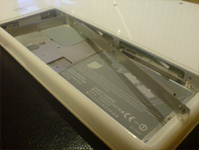
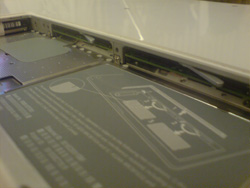
Step 3 – Now unscrew the three screws that are holding the L bracket together and carefully remove it, by pulling the long end of the bracket from the battery bay.
Now to take the Memory modules out of your MacBook, you simply move the small white lever with your index finger to the left in one smooth motion and your Memory modules will simply pop out and you pull it out carefully. Repeat this step for your second Memory module.