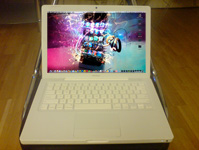
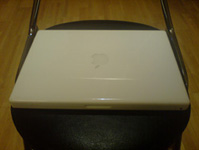
Here I’m going to show you how to upgrade/install RAM onto a MacBook. It’s a very simple process, which I will be showing you through some simple steps. All you will need is a coin and a screwdriver and your ready.
Step 1 – Turn off your MacBook, and remove any USBs that may have been connected to your MacBook, a power adaptor etc and leave it to cool down if you’ve had it running for a long time.